1. The Stack Choice: LEMP vs. OpenLiteSpeed
While the traditional LAMP stack (Apache) is reliable, it’s resource-heavy. For modern performance, you should be looking at:
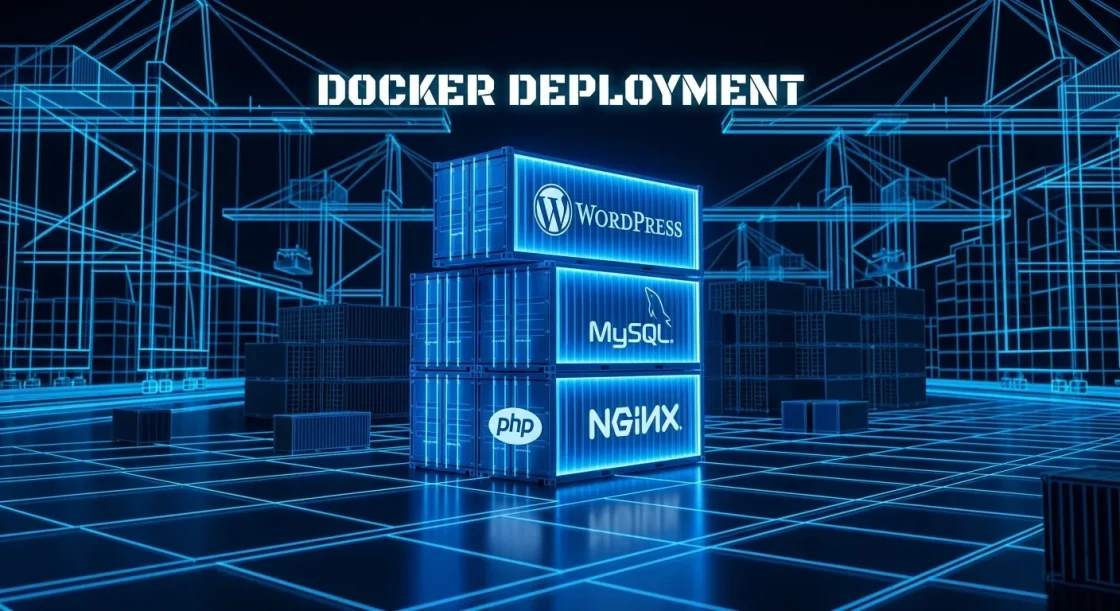
- LEMP (Nginx): Highly efficient with static file handling. It requires a fastCGI process manager (PHP-FPM) to handle PHP. It’s the industry standard for high-concurrency environments.
- OpenLiteSpeed (OLS): A powerful alternative that includes server-level caching (LSCache) out of the box. It understands
.htaccessrules better than Nginx and often outperforms it in raw PHP processing speed.
2. PHP-FPM Tuning: The Engine Room
PHP-FPM (FastCGI Process Manager) is responsible for executing your WordPress code. Default configurations are usually too conservative or too aggressive.
- Process Management: Use
pm = ondemandfor low-traffic sites to save RAM, orpm = staticfor high-traffic servers to eliminate the latency of spawning processes. - OpCache: This is a requirement. OpCache stores precompiled script bytecode in memory so PHP doesn’t have to parse scripts on every request. Set
opcache.revalidate_freq=0for production environments to ensure maximum speed.
3. Edge Security and Firewalling
Your server shouldn’t have to deal with the “garbage” of the internet.
- Fail2Ban: Install this to monitor your access logs and automatically ban IPs that show malicious behavior (like brute-forcing
/wp-login.php). - UFW/IPTables: Close every port that isn’t absolutely necessary. Only 80 (HTTP), 443 (HTTPS), and your custom SSH port should be open.
- Process Isolation: If you are hosting multiple WordPress sites on one VPS, use systemd or Docker to isolate them. This ensures a vulnerability in one site doesn’t compromise the entire server.
4. Automated Backups and Disaster Recovery
A server manager is only as good as their last backup.
- Off-Server Storage: Never store backups on the same disk as your live site. Use tools like
Rcloneto sync backups to S3-compatible storage (AWS, Backblaze, or Wasabi). - Snapshotting: If you are using a provider like DigitalOcean or Hetzner, automate daily snapshots at the block level. This allows for a “Full Metal” recovery in minutes if the OS becomes corrupted.
5. Monitoring and Telemetry
You can’t manage what you can’t measure.
- Netdata / Zabbix: Use these for real-time monitoring of CPU, RAM, and Disk I/O.
- Log Rotation: Ensure
logrotateis configured. A runawayerror_logcan fill a 50GB disk in hours, crashing your MySQL service and taking the site offline.