1. The Strategy: Git-Based Infrastructure
To use CI/CD, your WordPress site must be treated as a code repository.
- The Repository: You don’t usually track the WordPress core. Instead, you track your
wp-contentfolder (themes and plugins) and yourwp-config.php(using environment variables for secrets). - The Branches: Use a
stagingbranch for testing and amainbranch for production.
2. Environment Variables & Secrets
Never hardcode your server passwords or database credentials in your repository.
- GitHub Secrets: Store your SSH Private Key, Server IP, and Database credentials in Settings > Secrets and Variables > Actions.
- Access: Your pipeline will pull these securely during the build process to authenticate with your VPS.
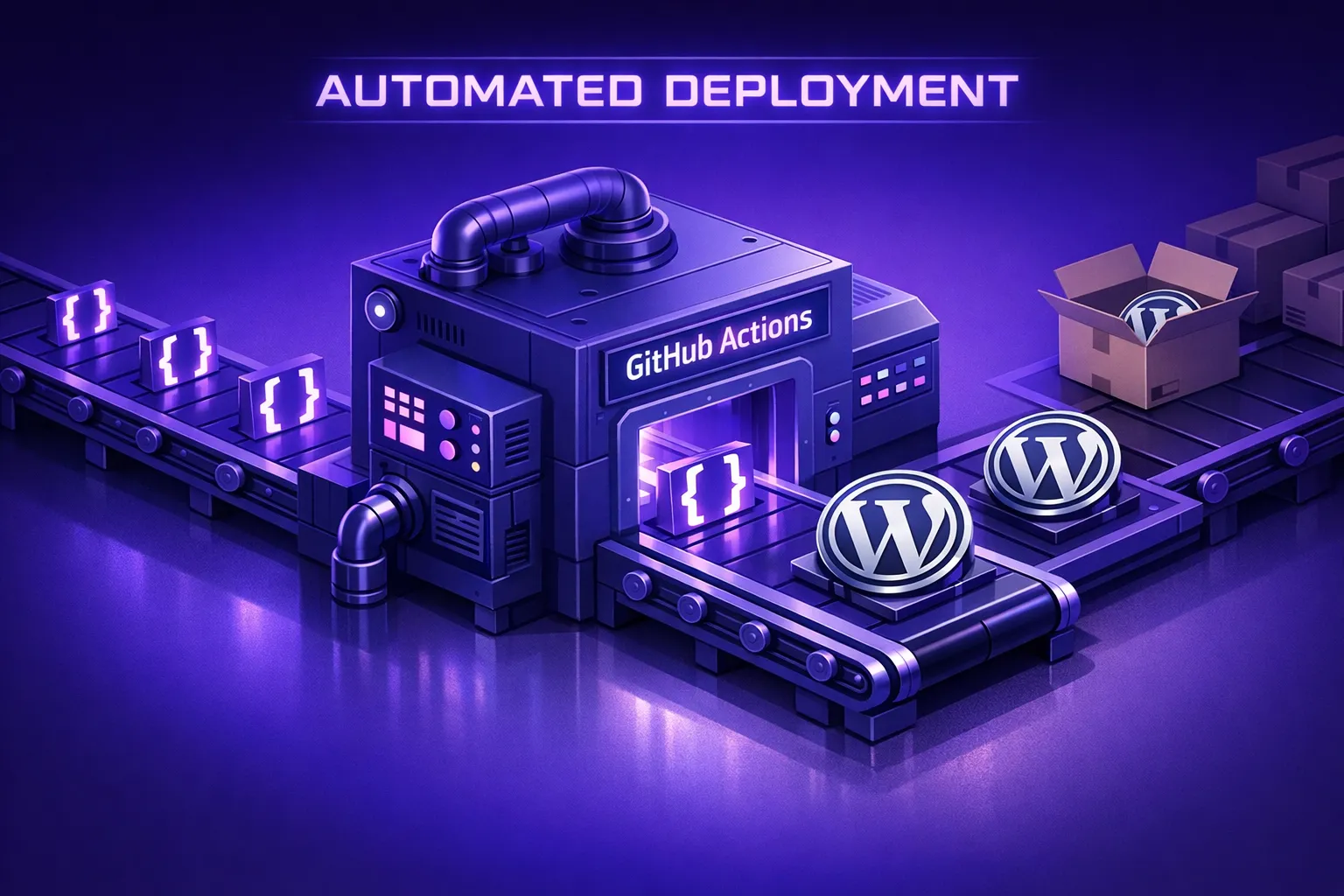
3. Creating the GitHub Action Workflow
You define your pipeline in a YAML file located at .github/workflows/deploy.yml.
The Workflow Stages:
- Checkout: Pulls the latest code from your branch.
- Install Dependencies: Runs
composer installfor PHP packages andnpm install && npm run buildto compile your SASS/JavaScript assets. - Security Scan: (Optional) Runs a tool like PHPCS (PHP Code Sniffer) to ensure code quality.
- Deploy: Uses
rsyncor SSH to push the compiled files to your server.
4. Zero-Downtime Deployment with RSYNC
Using rsync is superior to a standard copy command because it only transfers the files that have changed, making deployments incredibly fast.
- Atomic Deploys: For advanced setups, you can deploy to a new “timestamped” folder and update a symbolic link (
symlink) to point to the new version instantly. This ensures that if a deployment fails, the site stays on the old version. - Example Script Logic:Bash
rsync -avz --delete -e "ssh -p [PORT]" ./dist/ user@host:/var/www/html/wp-content/themes/my-theme
5. Post-Deployment Hooks (WP-CLI)
After the files are moved, the server may need to perform application-level tasks.
- Flushing Cache: Run
wp cache flushvia SSH to clear the object cache. - Database Migrations: If you are using a tool like WP Migrate, you can trigger a database pull/push through the pipeline.