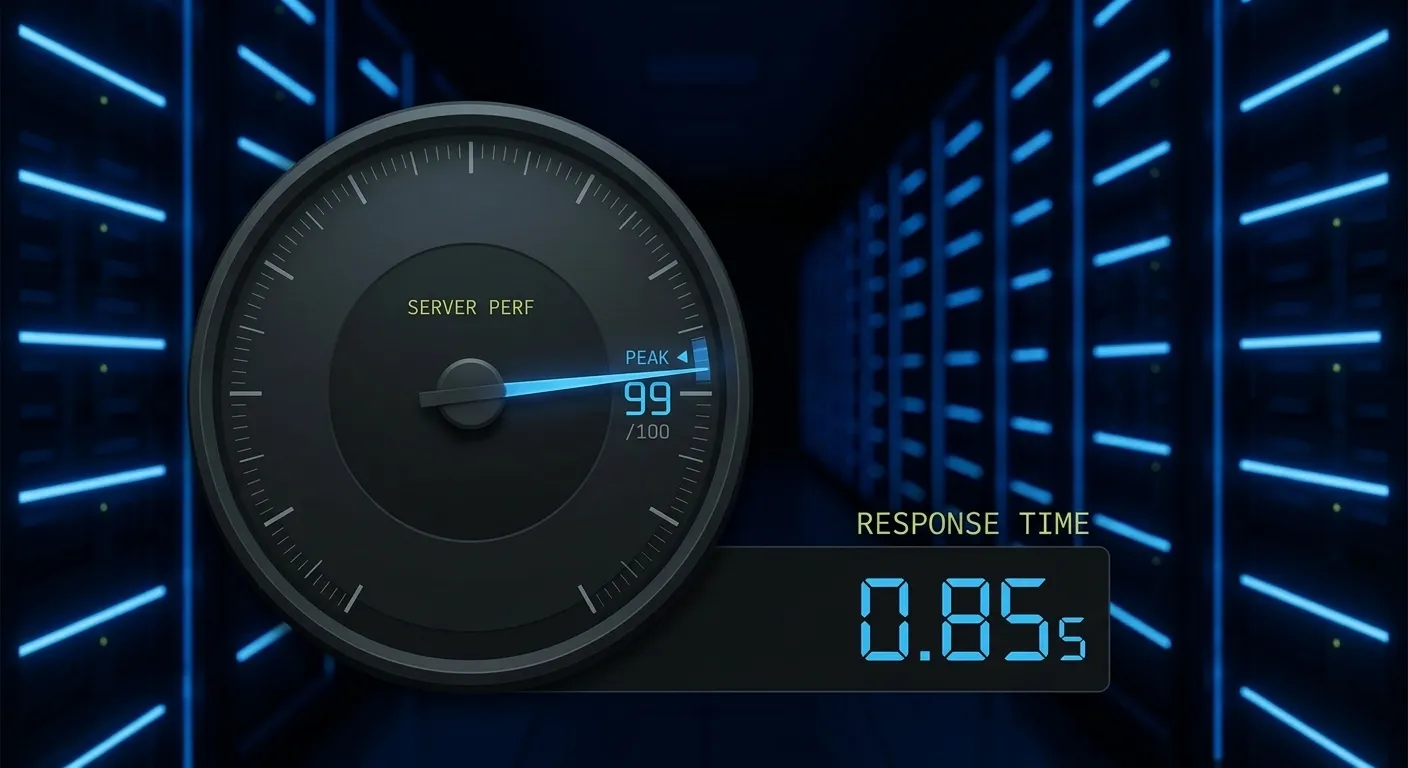
This is the benchmark that separates a standard “site builder” from a technical architect. Getting a WordPress install into the sub-1s range (specifically <800ms Largest Contentful Paint) requires moving beyond the application layer and optimizing the entire delivery stack.
Here is the technical blueprint for achieving sub-second load times.
WordPress Sub-1s Load Time Guide
1. The Stack: LiteSpeed over NGINX/Apache
For raw WordPress performance, the LiteSpeed Enterprise web server is currently the superior choice due to its server-level caching (LSCache). Unlike NGINX, which requires complex FastCGI purging rules, LiteSpeed communicates directly with the WordPress core via an API.
- QUIC/HTTP3: Ensure your server supports the QUIC protocol to eliminate head-of-line blocking.
- Brotli Compression: Switch from Gzip to Brotli. It offers 15–20% better compression ratios for static assets (JS/CSS/HTML).
2. TTFB Optimization (The <200ms Goal)
Your Time to First Byte is the most critical metric. If your server takes 500ms just to “think,” you will never hit a 1s total load.
- Object Caching (Redis): Persistent object caching is non-negotiable. It stores database query results in RAM so the server doesn’t have to rebuild the page from the MySQL disk on every hit.
- DNS Hosting: Move your nameservers to Cloudflare or Route53. A slow DNS lookup adds 100ms+ of “blackout” time before the browser even finds your server.
3. DOM & Asset Hardening
A bloated DOM kills the browser’s main thread.
- Limit DOM Depth: Aim for <1,500 nodes. Deeply nested
divwrappers from page builders are the primary culprits. - Critical CSS: Generate and inline the CSS required for the “above the fold” content directly into the
<head>. Defer the rest of the 500kb+ stylesheet to the footer. - JS Execution: Use
deferfor all non-essential scripts. If a script isn’t needed for the initial UI render, it shouldn’t be blocking the parser.
4. Database Indexing & Query Tuning
Slow queries are silent killers.
- Advanced Custom Fields (ACF): If you use ACF, ensure you aren’t running nested
have_rows()loops that trigger hundreds of metadata lookups. Use direct SQL queries or internal caching for complex data sets. - Table Engine: Ensure all tables are using InnoDB and your
innodb_buffer_pool_sizeis optimized to hold your entire database in memory if possible.
5. Image Delivery Architecture
Don’t rely on WordPress’s native “Medium/Large” scaling.
- WebP/AVIF: Serve next-gen formats with a fallback.
- Proper
srcset: Ensure yoursizesattribute matches the actual rendered width of the image to prevent the browser from downloading a 2000px image for a 300px container. - Preload LCP Image: Manually add
<link rel="preload">for the main featured image or hero background to start the download before the CSS is even parsed.