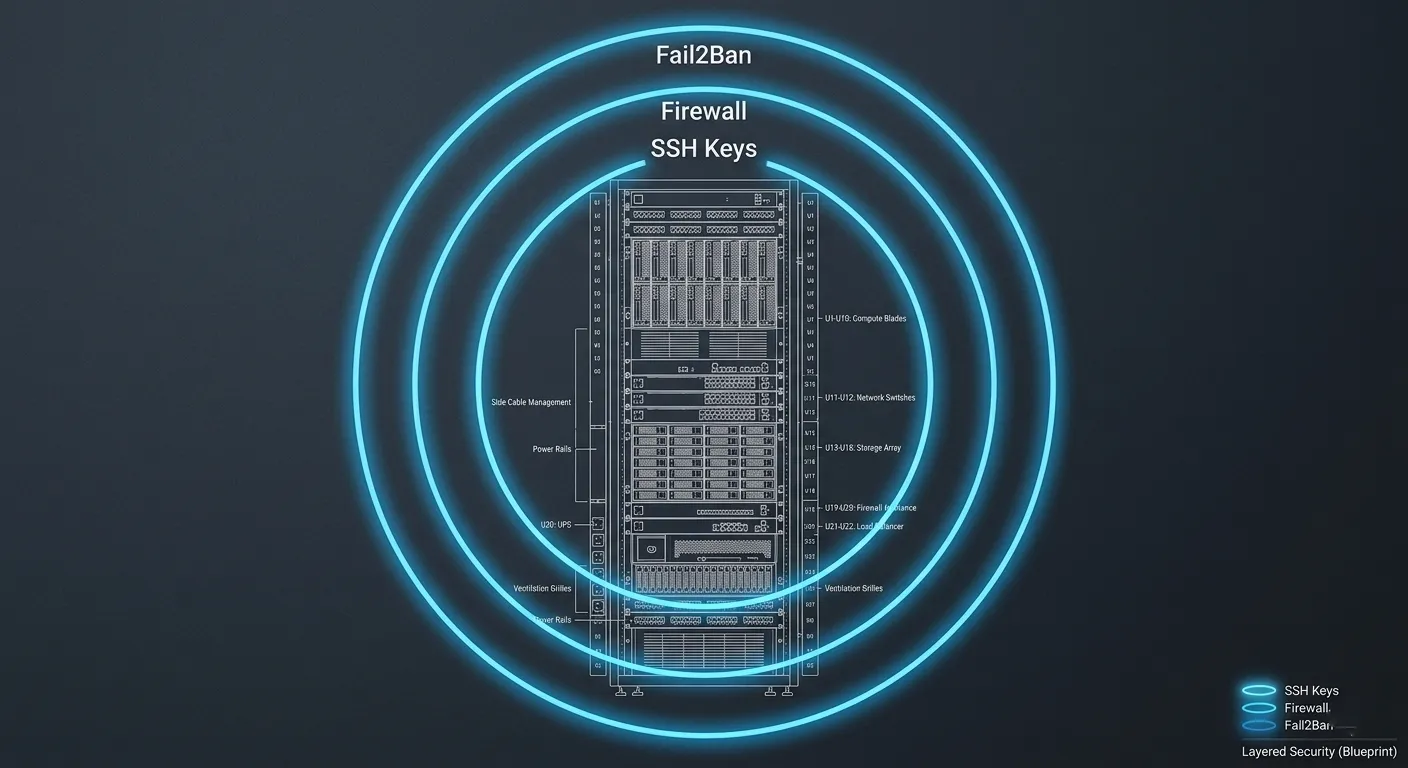
1. SSH Hardening: Locking the Front Door
The default SSH configuration is the first thing attackers target.
- Disable Root Login: Never log in as
root. Create a limited user withsudoprivileges and setPermitRootLogin noin/etc/ssh/sshd_config. - Key-Based Authentication: Disable password logins entirely (
PasswordAuthentication no). Use Ed25519 SSH keys for significantly better security and performance. - Change the Default Port: Move SSH from port 22 to a random high-range port (e.g., 2294). This eliminates 99% of automated script-kiddie scans.
2. Firewall Implementation (UFW/IPTables)
A strict firewall policy is your second line of defense. You should deny everything by default and only open what is strictly necessary.
- The Minimalist Ruleset: Only open port 80 (HTTP), 443 (HTTPS), and your custom SSH port.
- Command:Bash
sudo ufw default deny incoming sudo ufw default allow outgoing sudo ufw allow [Your-Custom-SSH-Port]/tcp sudo ufw allow 80/tcp sudo ufw allow 443/tcp sudo ufw enable
3. Brute-Force Protection with Fail2Ban
Fail2Ban is an intrusion prevention framework that monitors your log files for suspicious activity and updates your firewall to ban the offending IP addresses.
- Jails for WordPress: Set up specific “jails” to monitor
/var/log/auth.log(for SSH) and your NGINX/Apache access logs. - Targeting
/wp-login.php: If an IP hits your login page 5 times in 60 seconds with failed credentials, Fail2Ban should drop that IP at the server level for 24 hours.
4. Database Isolation
Your MySQL/MariaDB instance should never be accessible from the outside world.
- Bind-Address: Ensure your database configuration is set to
bind-address = 127.0.0.1. This ensures the database only listens to requests coming from the server itself. - User Permissions: The WordPress database user should only have permissions for its specific database—never global
GRANTprivileges.
5. Automated Security Updates
Linux vulnerabilities (like those in OpenSSL or the Kernel) are patched frequently. Don’t leave your server unpatched for months.
- Unattended Upgrades: Install the
unattended-upgradespackage. Configure it to automatically install security patches but leave major version upgrades for manual review.Bashsudo apt install unattended-upgrades sudo dpkg-reconfigure -plow unattended-upgrades
6. Process Isolation & Ownership
One of the biggest mistakes is running the web server or PHP as a high-privilege user.
- The www-data User: Ensure NGINX and PHP-FPM run under the
www-data(or equivalent) group. - The “Immutable” Core: For high-security environments, set your core WordPress files to read-only for the web server user, allowing write access only to the
/wp-content/uploads/directory.