1. Architecture: Process-Based vs. Event-Driven
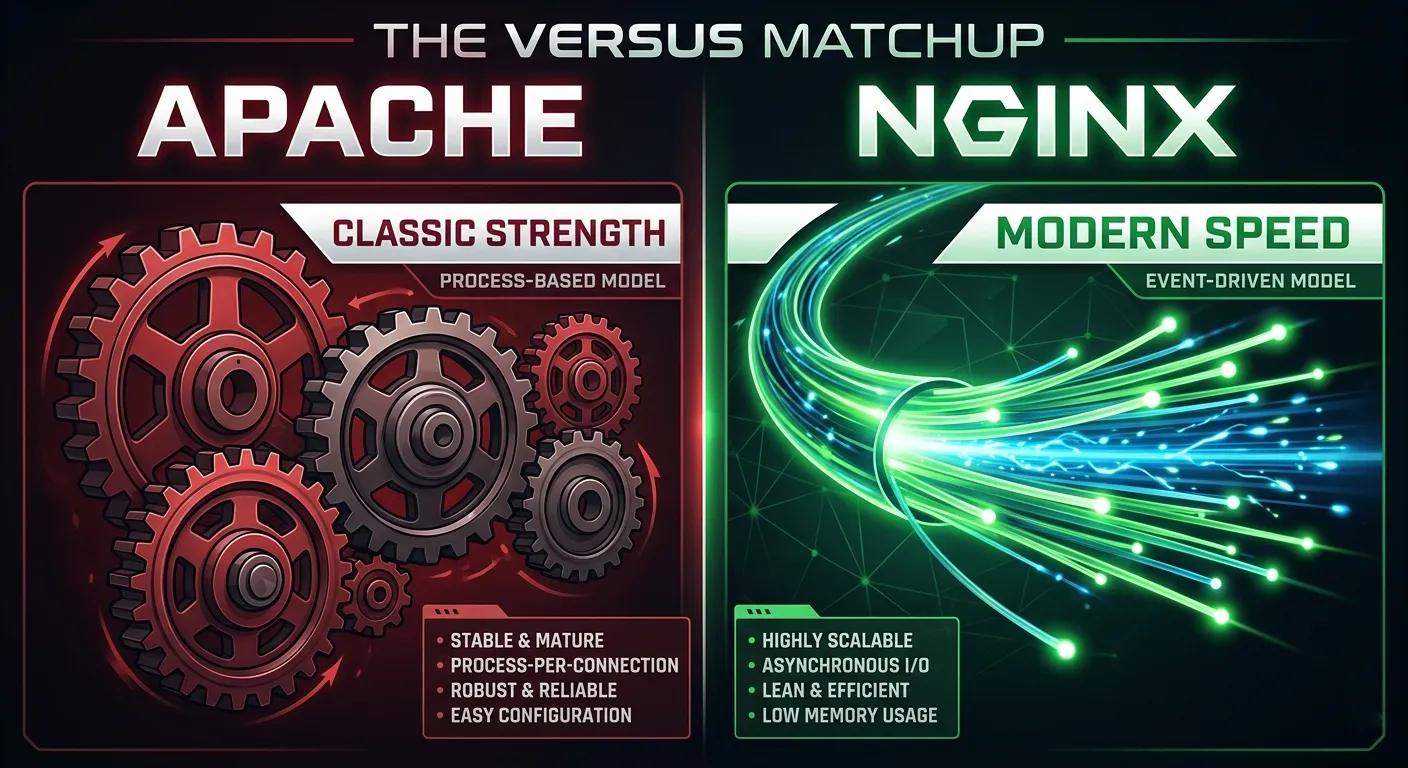
The fundamental difference lies in how they handle incoming connections.
- Apache (Process-Based): Traditionally uses a thread-per-connection model. Each visitor spawns a new process. While the MPM Event module has improved this, Apache still consumes significantly more RAM under heavy load because of the overhead of managing these processes.
- NGINX (Event-Driven): Uses an asynchronous, non-blocking architecture. A single worker process can handle thousands of concurrent connections simultaneously. This is why NGINX is the industry standard for high-traffic sites and static file delivery.
2. Configuration: .htaccess vs. Centralized Rules
This is the biggest workflow difference for WordPress developers.
- Apache: Supports
.htaccessfiles on a per-directory basis. This allows WordPress and its plugins (like redirection or security plugins) to write rules directly to the server without a restart. It’s flexible but comes with a performance hit because Apache must scan for these files on every request. - NGINX: Does not support
.htaccess. All configuration must be done in the main server block. While this is faster and more secure, it means that any time a plugin needs a “rewrite rule,” you must manually add it to the config and reload NGINX (nginx -s reload).
3. Static vs. Dynamic Content
- Static Files: NGINX is the undisputed king here. It serves images, CSS, and JS files much faster than Apache while using a fraction of the CPU.
- Dynamic Content (PHP): Apache can process PHP internally using
mod_php. NGINX cannot process PHP; it must pass the request to an external processor like PHP-FPM. While this adds a step, NGINX + PHP-FPM is generally more efficient for scaling WordPress environments.
4. The “Best of Both Worlds” Reverse Proxy
Many high-end hosting environments don’t choose one; they use both.
- The Setup: NGINX sits in front as a “Reverse Proxy” to handle static assets and SSL termination. It then passes dynamic WordPress requests to Apache on the backend.
- The Result: You get NGINX’s speed for 80% of your traffic while retaining Apache’s
.htaccesscompatibility for WordPress plugin functionality.
5. Security and Modules
- Apache: Has a massive library of dynamically loadable modules (
mod_security,mod_rewrite, etc.) that have been battle-tested for decades. - NGINX: Known for its “Security by Minimalism.” Because it doesn’t have the overhead of per-directory overrides, it has a smaller attack surface. However, adding modules often requires recompiling NGINX from source (though this is changing with dynamic modules).